

Rectangle Tool
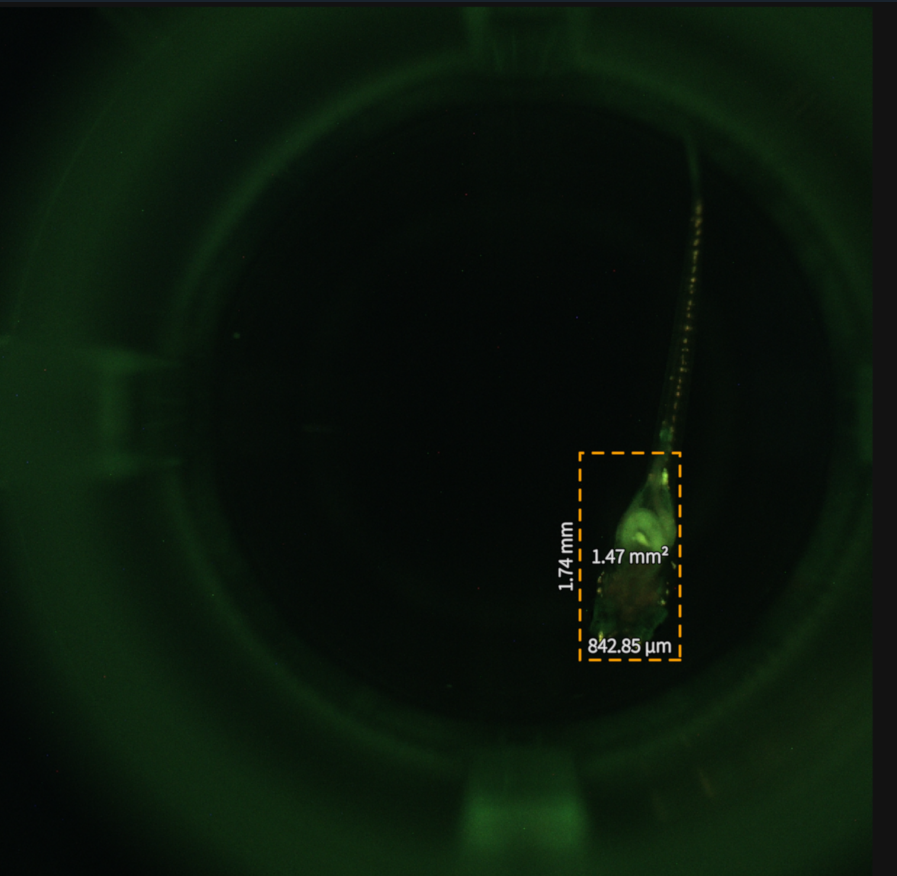
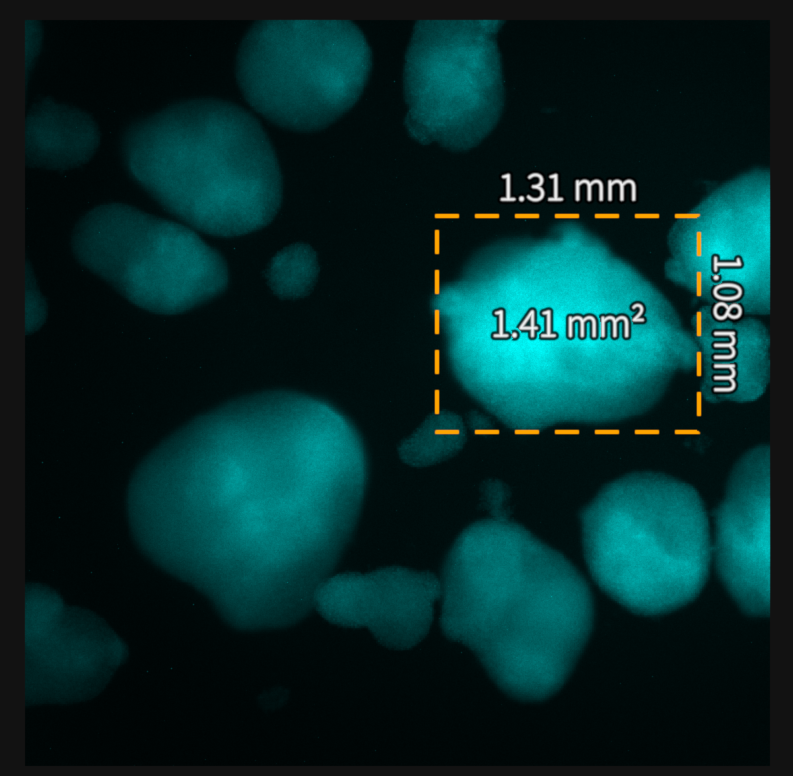
When the Rectangle Tool is selected, rectangles can be drawn across a desired area of the screen. Height, width, area and their corresponding units will be displayed on the screen.
Step |
Function |
|---|---|
1 |
Open the MCAM software. |
2 |
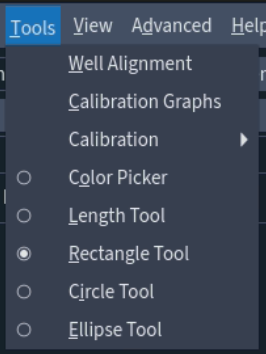
Go to Tools > Rectangle Tool. |
3 |
Click once with the left mouse button to define one corner of the rectangle, move the cursor to extend the area covered by the rectangle and click again with the left mouse button to define the second defining corner of the rectangle. |
4 |
To take another measurement simply repeat step 3. To remove the Rectangle Tool repeat step 2. |