

Color Picker
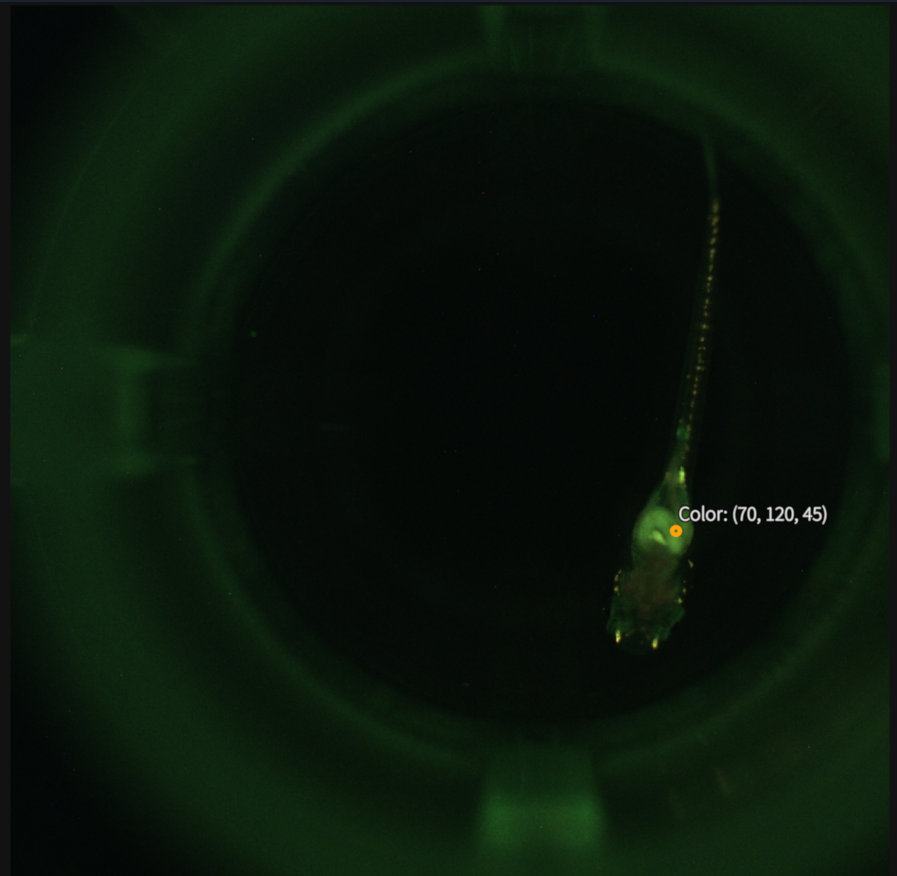
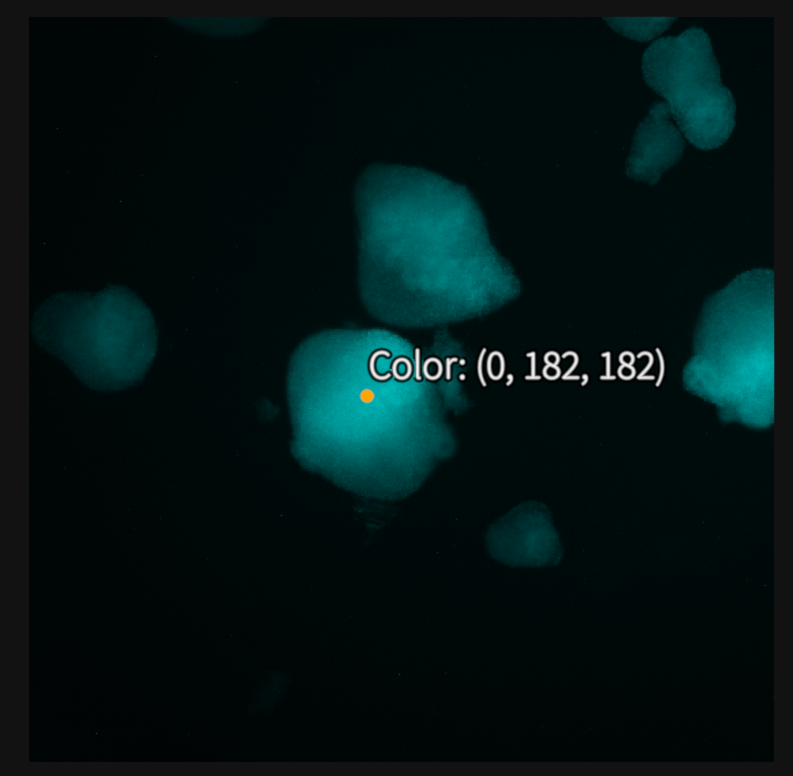
When the Color Picker tool is selected, clicking on the screen will display the pixel color at this location. Values are displayed as (Red, Green, Blue) integers corresponding to the three color channels of the image.
Step |
Function |
|---|---|
1 |
Open the MCAM software. |
2 |
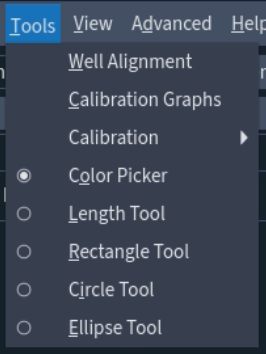
Go to Tools > Color Picker. |
3 |
Click on a pixel in the image to get the displayed color at the location. |
4 |
In the MCAM software, go to View which will give the user several options to alter the viewing color space. Changing this will alter the pixel values displayed by the color picker. |
5 |
To take another measurement simply repeat step 3. To remove the Color Picker repeat step 2. |