

Ellipse Tool
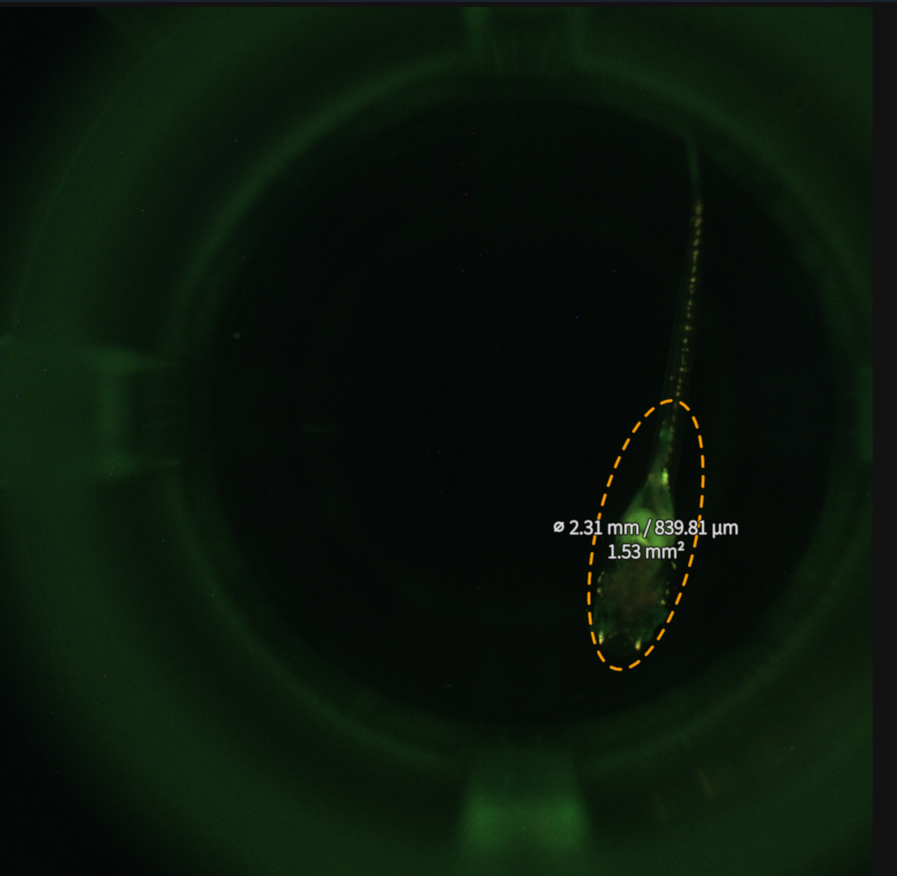
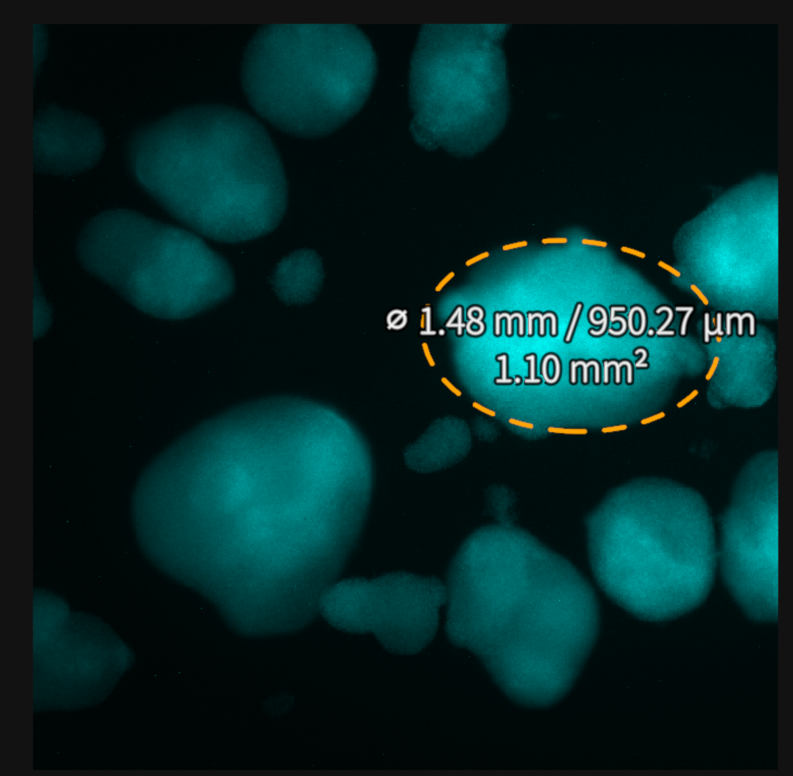
When the Ellipse Tool is selected, ellipses can be drawn across a desired area of the screen. Width, height, area and their corresponding units will be displayed on the screen.
Step |
Function |
|---|---|
1 |
Open the MCAM software. |
2 |
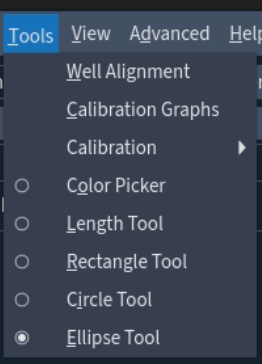
Go to Tools > Ellipse Tool. |
3 |
Start by creating a circle by clicking once with the left mouse button to define the center of the circle. Move the cursor to extend the circle’s radius and finally click once with the left mouse button a second time to define the final shape of the circle. |
4 |
Once the desired circle is created, click once with the left mouse button to shape the ellipse based on this circle. Move the cursor to adjust the ellipse shape/direction and click once with the left mouse button to define the final ellipse shape. |
5 |
To take another measurement simply repeat steps 3 and 4. To remove the Ellipse Tool repeat step 2. |