

Confluence Analysis - 4x Magnification
The confluence analysis allows you to assess cell growth of 2D adherent cells at 4x magnification in one field of view per well measuring the area of cell coverage and outputs a csv of the confluence for each well. This analysis is optimized for 96-well plates.
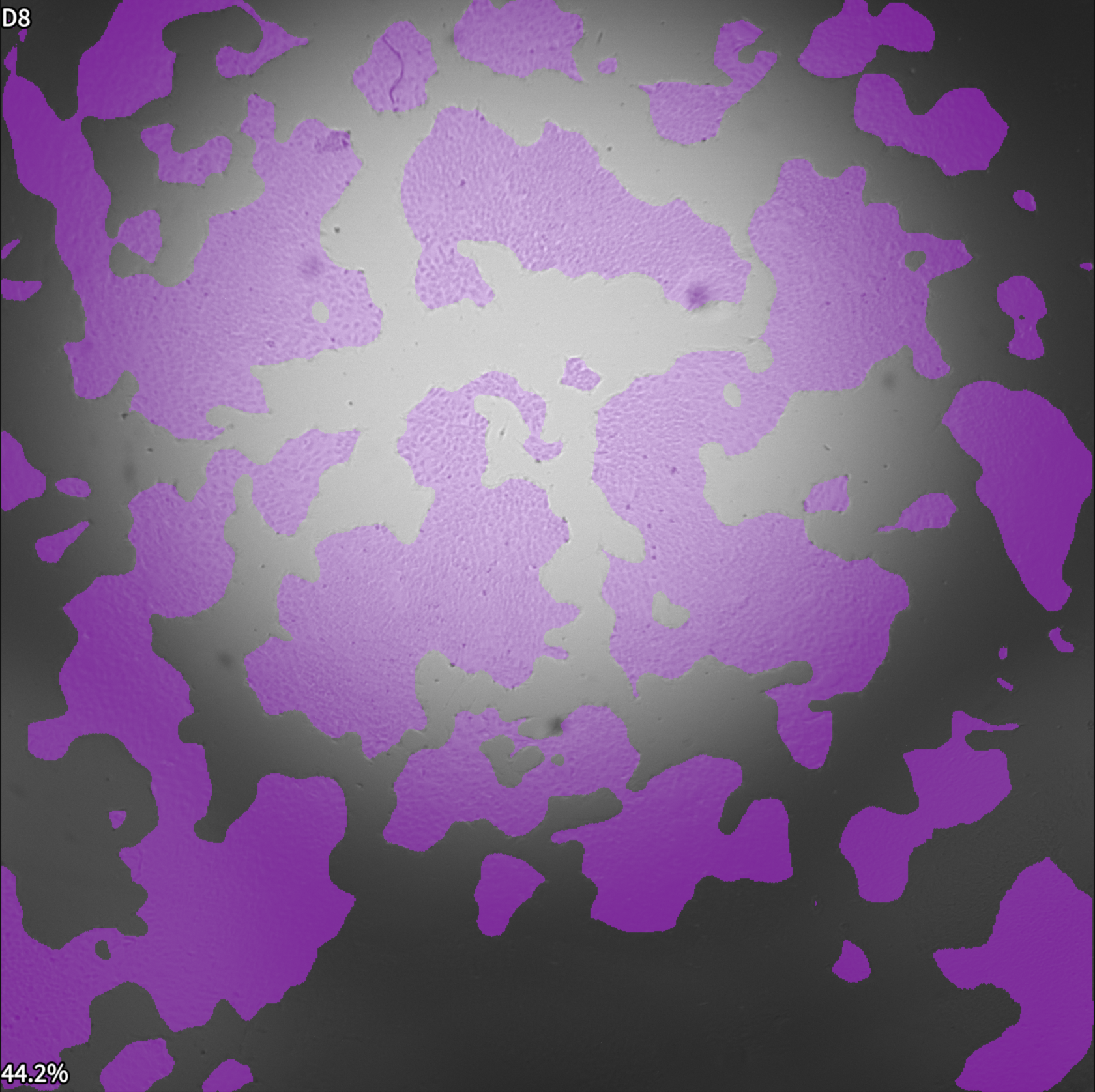
Confluence in a 96-well plate at 4x magnification
Step |
Function |
|---|---|
1 |
Load the 96-well plate onto the Vireo. |
2 |
Acquire an XYZC stack at 4x magnification withbrightfield illumination and Laplacian projection. |
3 |
Open the acquired dataset in the MCAM Viewersoftware. |
4 |
Go to Assay > Confluence. A panel will open on the right. |
5 |
Click “Compute Confluence” to run the analysis. |
6 |
Analysis results are displayed on the screen and saved in a folder named “confluence_results” in the parent folder of the analyzed dataset. Two files are generated, “analysis_metadata.nc” file containing the analysis results and a csv file summarizing the quantification of confluence on a per well basis. |